
Featured
The Escape Artist
Paradowski Creative
WebXR
Surreal narrative escape room where you play an artist's muse helping them find inspiration. 2024 Polys Experience of the Year.
45-60 mins2 Awards
Free VR & AR games you can play in your browser. No download. No install. No account. Just open a link on your Quest, Vision Pro, phone or desktop.
Click a link, you're playing. No app stores, no 5GB downloads.
Sandboxed in the browser. Curated for all-ages where noted.
Same URL works in Quest browser, Vision Pro Safari, phone or PC.
Paradowski Creative
Surreal narrative escape room where you play an artist's muse helping them find inspiration. 2024 Polys Experience of the Year.

James C. Kane
A haunting 15-minute atmosphere-driven narrative game set in 1914 where an artist tries to outrun a storm. Playable via WebXR on Meta Quest browser and VIVERSE without installation. Built with PlayCanvas on the open web standard.
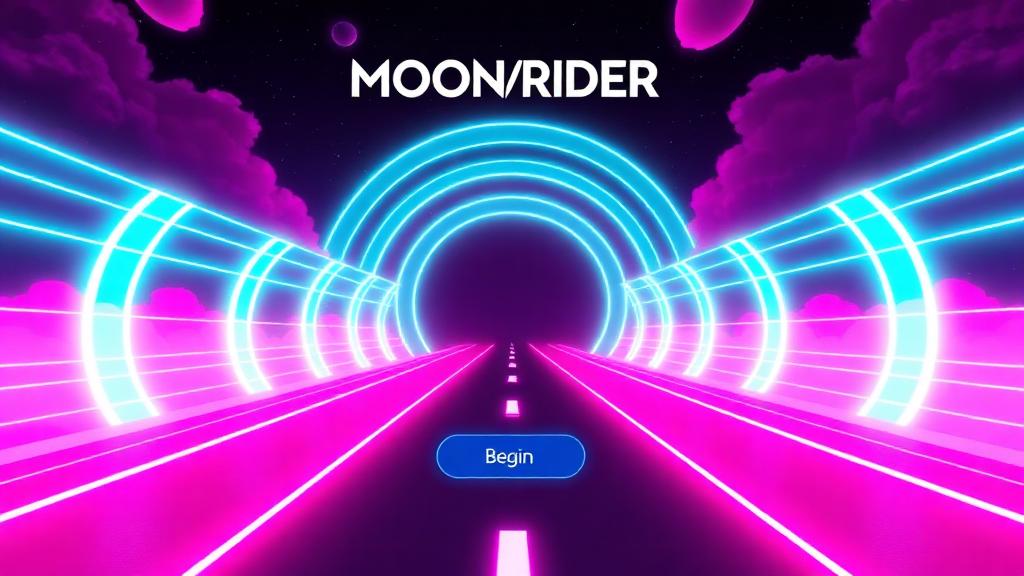
Supermedium
Open-source rhythm and fitness game; a 'Beat Saber for the web'. High-intensity.

Paradowski Creative
Polished 9-hole mini-golf proving browser-based VR can match native app quality.

Meta
Meta's open-source high-fidelity gardening demo designed to showcase WebXR capabilities on Quest.

heyVR.io
Instant-action VR arena shooter requiring no downloads via WebXR. Jump into fast-paced FPS combat directly in your browser.

Kevin Picchi
WebVR job simulation for physical cafe operations. Learn to make coffee and run a cafe in immersive VR right in your browser.

Needle / Katja Rempel
Social sandbox multiplayer experience that works on Desktop, Mobile, VR, and AR right in the browser. Features spatial voice chat for collaborative castle building.

Wonderland Engine / Robot Invader
Horror mystery game that matches native VR performance, accessible on VR headsets, PC, and mobile devices. Built with Wonderland Engine to prove WebXR can deliver full-quality gaming.

msub2
Spatial puzzle game utilizing native hand tracking in WebXR browsers. A meditative and tactile puzzle experience that showcases the potential of controller-free VR on the web.

Eric Florenzano / Supermedium
WebVR music kickboxing rhythm game. Punch to the beat in VR directly from your browser — no download needed.

Kevin Picchi
WebVR asteroid belt combat game. Blast through space rocks in immersive VR directly in your browser.

Needle
A Halloween-themed WebXR experience showcasing advanced hand-tracking features. Demonstrates the potential of controller-free mixed reality interactions directly in the browser using Needle Engine.

A-Frame Team / Mozilla
A VR painting tool that allows users to create 3D masterpieces with dozens of brushes and share them. Built with A-Frame, it runs entirely in the browser — no downloads required.
Needle Engine
A Halloween-themed WebXR mixed reality experience built with Needle Engine that utilizes WebXR hand tracking features. Transform your hands into monsters and interact with spooky virtual elements in your real space.
Ives Agemans & Koen Van den Steen
A mixed reality game that brings miniature living characters into your own living room. Winner of the 2026 Aurea Award for Mixed Reality and the Vox Populi Award. Build and manage a tiny town on your walls and furniture with dynamic real-world interactions. Also available as a WebXR experience with plane detection and mixed reality capabilities.
St. Patrick / PartyKit
A browser-based multiplayer WebXR light-cycle game inspired by classic TRON arena play. Join a room with friends or play solo directly from the URL — no app download required.
WebXR games are VR and AR games that run directly in your browser using the WebXR Device API — no download, no app store, no install. Open a URL on a Meta Quest, Apple Vision Pro, smartphone or desktop and you're playing.
Yes. The Quest browser ships with full WebXR support — every game on this page can be opened from the Meta Quest browser and played in immersive VR with controllers or hand tracking.
The vast majority of WebXR games are free to play. Some, like Moonrider, are full-quality rhythm experiences offered free by independent creators; others use optional in-app purchases or premium tracks.
No. Most WebXR games include a flat-screen fallback so you can play with a mouse, keyboard, or touch controls. Plug in a headset later and the same URL drops you into VR.